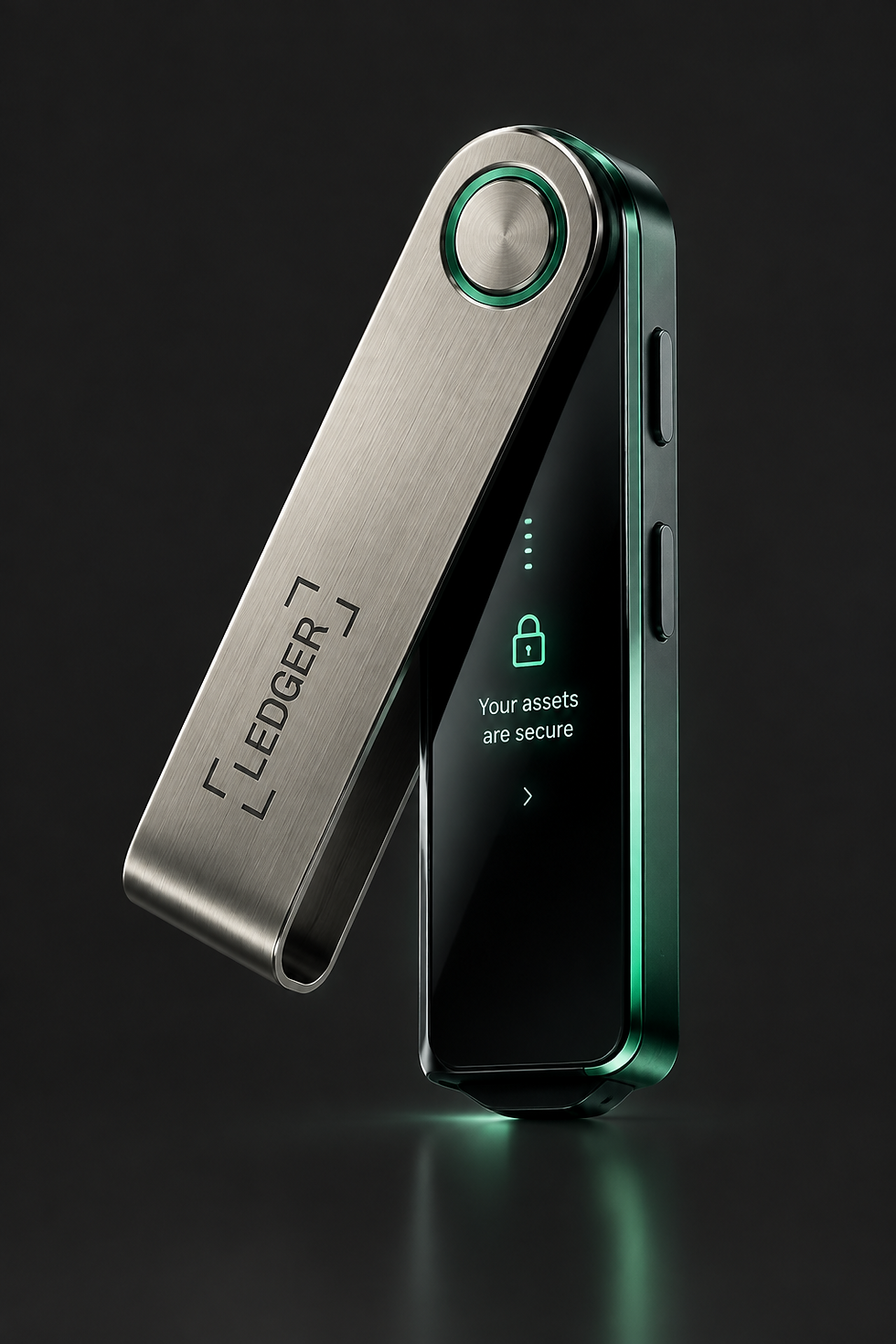
SECURE INITIALIZATION
01
DEVICE LOCK
Initiate the Ledger Start process by locking your hardware wallet to ensure no unauthorized access occurs during setup.
02
SECURE KEYGEN
Generate your unique 24-word recovery phrase. This is the only way to restore your funds if your Ledger hardware is ever lost.
03
BACKUP VERIFICATION
Verify your recovery phrase by entering it into the Ledger Live app. This step confirms your hardware wallet is fully initialized.
[Security FAQ]
Device Security
How do I initialize my Ledger device?
Initialization requires a physical seed phrase and a secure PIN. Follow the on-screen prompts to verify your identity and set up your first wallet.
Is my private key ever visible?
Private keys are never transmitted to the internet. Ledger devices store your keys in a secure, encrypted hardware environment.
How do I recover my wallet?
Use your 12-word recovery seed phrase to restore your wallet. This process is irreversible and should only be performed on a trusted device.
What is the security PIN?
A security PIN is a 6-digit code that protects your device from unauthorized access. It is required to unlock your Ledger after a period of inactivity.
How do I update my firmware?
Updates are performed via the Ledger Live desktop application. Always ensure your device is connected to a trusted network before initiating a firmware upgrade.


